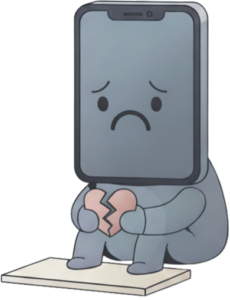
We are depressed! So sorry to see you leave.
Steps to delete your Zoroko Account
You can delete you Zoroko Account from your Zoroko App
- Login to your Zoroko App
- Select ‘Menu‘
- Select ‘Settings‘
- Select ‘My Account‘
- Select ‘View Account‘
- Click the ‘Delete‘ button on the navigation bar
- Enter your account details and click ‘Submit‘
- You will receive a six character code on your registered mobile via SMS
- Enter the registered mobile number where you received the code
- Enter the six character code
- Click ‘Delete‘